







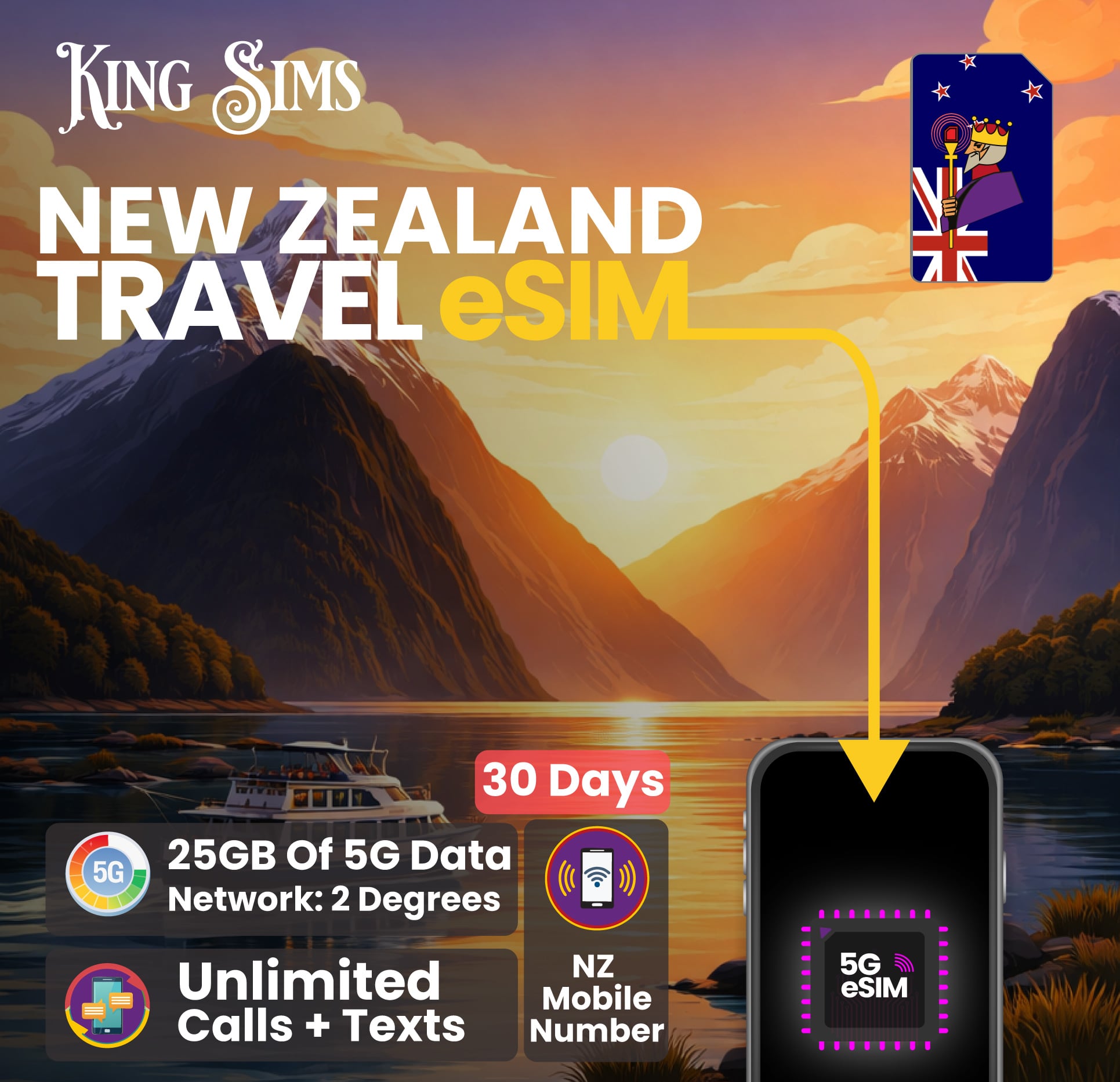
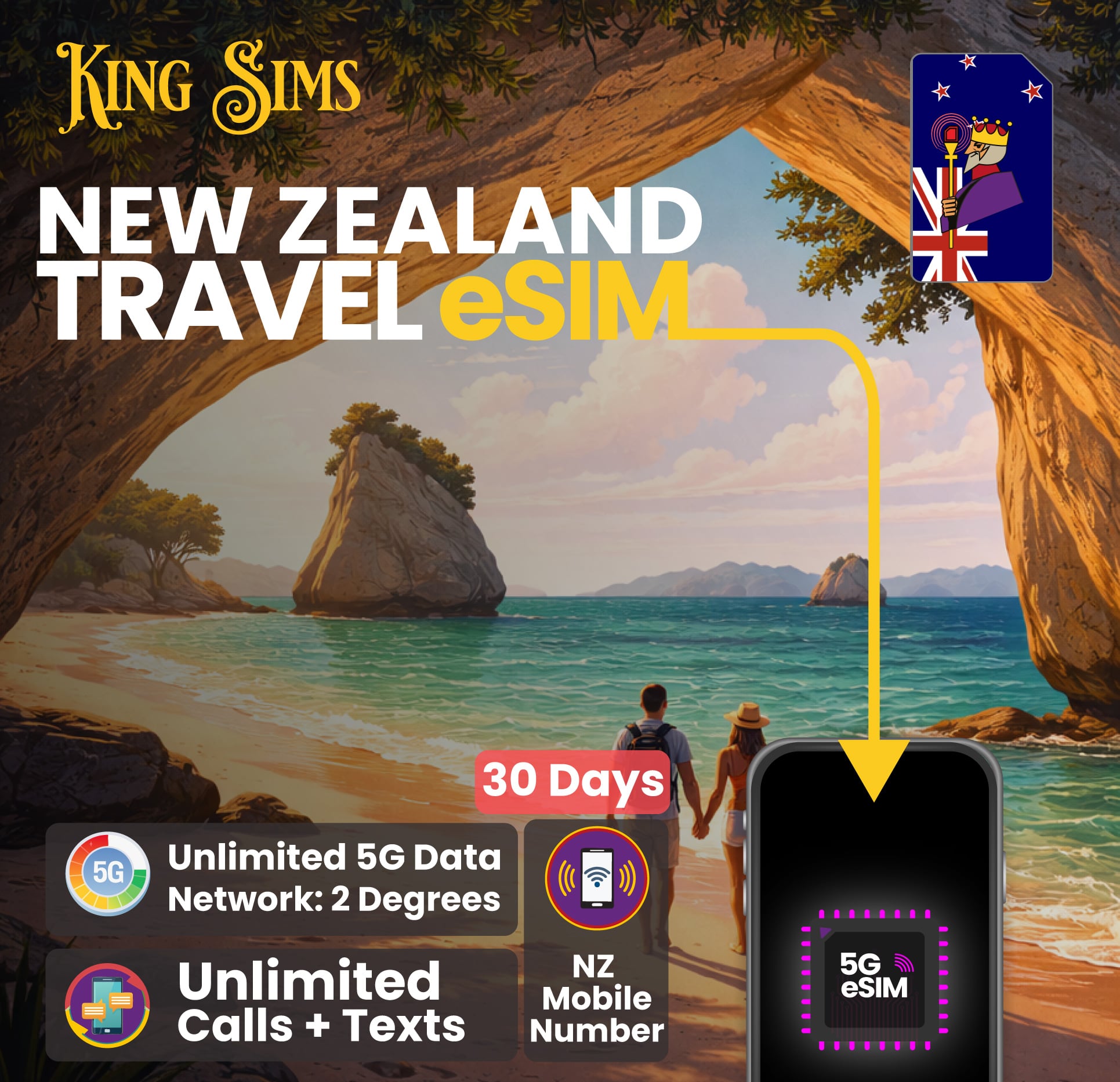
New Zealand eSIM | 10GB Up To Unlimited 5G Data | 2 Degrees
From USD $32.17
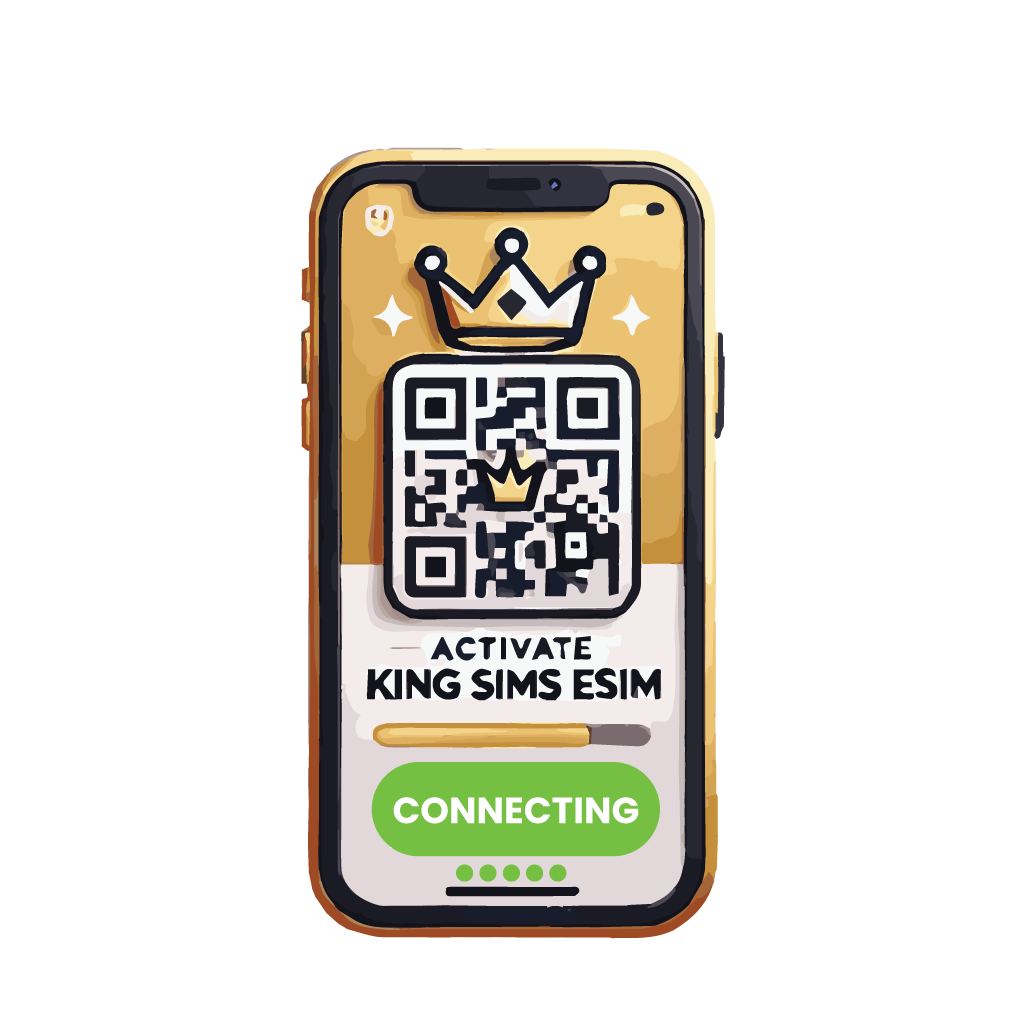


How To Activate
Your eSIM
IN 3 EASY STEPS
1. Check If Your Phone Works
Before you buy your eSIM. Make sure your device supports eSIM technology. Tap below to see our complete list of compatible eSIM devices.

2. Buy Your eSIM
When you decide on the eSIM plan you want. Complete your purchase. Once purchased, you'll receive 2 emails, an order confirmation email and a seperate email containing a QR code with simple activation instructions.
3. Scan & Activate
When you land in any Airport overseas. Connect to the free Airport Wi-Fi. Once connected, scan the QR code in your eSIM email, turn on data roaming and start using your eSIM right away!
Give Your Roaming Bill
The Royal Flush
Welcome To The King Sims Experience
Step 1: It All Starts With The King's Travel eSIM
Convenience is King 👑
The King has made your travel experience easy and smooth. With a click of a button and a simple QR code scan, you can say goodbye 👋 to waiting for a prepaid SIM card before leaving to New Zealand or searching for one at the Airport.Say hello to traveling like a King 🤴 and 👸Queen .
Step 2: *Ding* You’ve got an email! It looks like it’s from the King 👑
Don't Keep The King Waiting…
Open it up… Do you like what you see? It may not be as exciting as our physical King SIMs, but this neat little QR code has HUGE benefits. Save it and don’t forget to open your email or King Sims app with this QR code when you land overseas. Trust us, you’ll need it.

Step 3: Land Overseas… Scan & Play 🤳 Be On Your Way!
"TOUCH DOWN!" 🛬
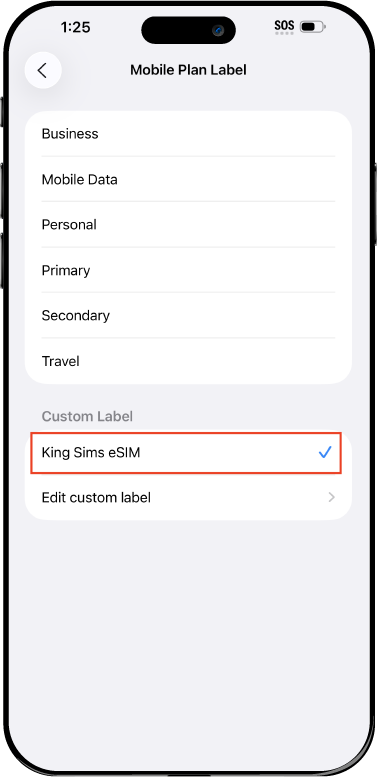
When the plane lands, connect to the free airport Wi-Fi. Open your email with your King Sims eSIM and scan the QR code. Go to your "Mobile Data Roaming" settings and turn your "data roaming" to 'ON' Before you even leave the Airport, your eSIM should be up and running, and your phone buzzing 📲 from all the missed notifications on your flight ✈️

Step 4: Walk out of the Airport Like a King & Queen
You've Earned Your Crown, Now Wear It! 👑
Congratulations 🎉 Royal Traveller! You’ve just connected to fast reliable 5G data for 30 days in 🇳🇿 New Zealand. This eSIM comes with unlimited calls and texts to both NZ 🇳🇿 and AU 🇦🇺 numbers.Our New Zealand eSIMs work smoothly in all parts of New Zealand, thanks to the reliable 2 Degrees Network. As a smart traveller 🧠, You’ve saved so much money by not using mobile roaming and didn’t have to wait in line for a prepaid SIM after a long flight. Now go enjoy your trip! And remember…
Welcome to the King Sims Experience 👑

Royal Reviews
Connected 100K + Travellers 🎉
- Reviews
- Questions
 AU
AUStress Free Travel with Solid Performance 👌
This was my first time using a travel eSIM and I was a bit unsure at first, but it ended up being incredibly simple. The QR code arrived instantly and installation only took a few minutes before departure. Once I arrived in New Zealand, everything connected automatically. No manual setup needed beyond turning on roaming. The speeds were fast enough for streaming, uploading, and video calls. I also used the hotspot feature quite a bit for my laptop, which worked without any issues. Overall, it removed a lot of the usual stress that comes with staying connected overseas.
AUMade the Trip So Much Easier 😍
I organised the eSIM before leaving Australia and honestly it was one of the best decisions I made for the trip. As soon as I landed in Auckland, I had data straight away after activating in the airport, without needing to find Wi-Fi or buy a SIM at the airport. I travelled across multiple cities including Rotorua and Queenstown, and the connection stayed strong throughout. I used my phone heavily for maps, bookings, and staying in touch with family back home. The Unlimited 5G plan was perfect! I didn’t feel restricted at all and still had data left at the end. Having a New Zealand number also made it easier when dealing with local tours and reservations. Would absolutely use this again for my next trip.
AUGreat Overall With One Small Issue
Everything worked well once connected, but I had to restart my phone once after activating the eSIM to get it going. After that, no problems at all. Coverage and speed were very good across the North Island.
 AU
AUWorked Great!
Will definitely be using king sims again this eSIM was great. Just landed in Auckland, tapped the iOS one tap install link and it automatically activated without me having to scan anything. Data was fast and reliable.