






Make Sure You Do This Before You Start.
📲 Check Device Compatibility: Make sure your phone or tablet allows for eSIM installation. You can google your device to see if it supports eSIM.
🛜 Stable Wi-Fi: You must have a stable Wi-Fi Connection to install an eSIM.
📩 Check Email For QR code: After purchase, you’ll get an email with your QR code and manual activation code. Have these ready.
🤳 Install When You Land: We recommend installing your eSIM only when you land in your supported country to ensure a smooth activation process.
💡 King Tip: Most of our eSIMs can be activated before departure. To ensure 100% activation success, just check to see if the eSIM you purchased is supported in the country your in. For example: Our Worldwide Travel eSIM can be activated in every country around the world, whereas our T-Mobile USA eSIMs must ONLY be activated in the USA.
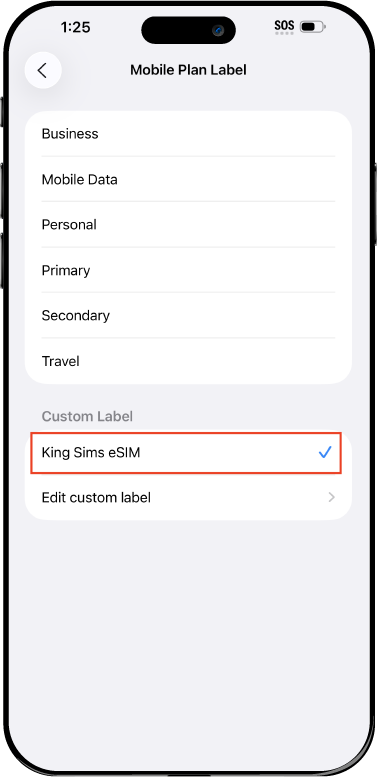
Receive Calls & Texts From Your Home SIM: If your phone supports Dual eSIM feature you can have your SIM from home switched on at the same time with your King Sims eSIM. This allows you to receive direct calls and texts to your home SIM. Just make sure the person calling or texting can make international calls.