

Shipping & Handling

How To Activate Your eSIM

Countries Covered

What countries your SIM works in

Countries Covered 🌍

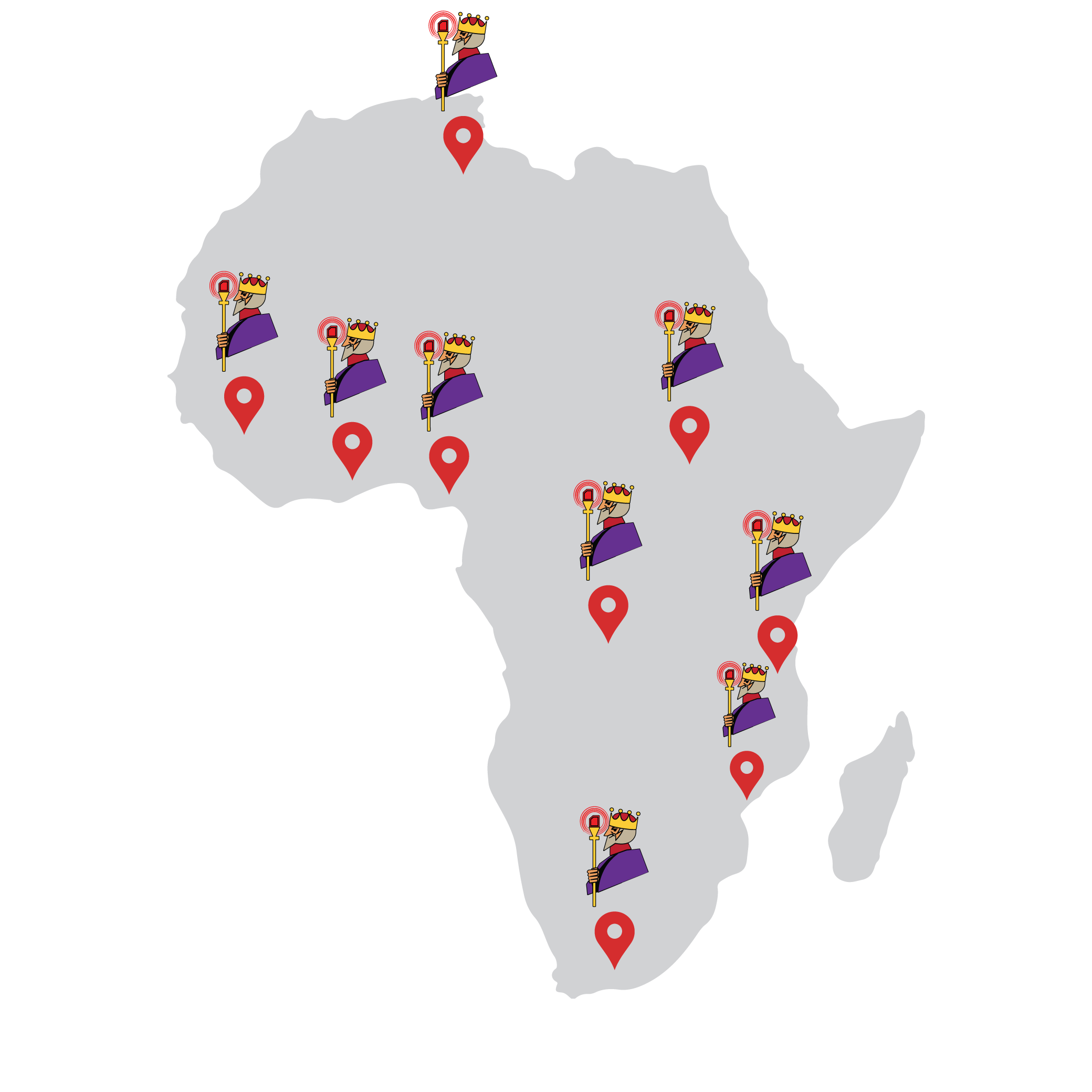
These physical Africa SIMs from King Sims, work smoothly in 25 African Destinations.
After arriving and inserting your SIM, simply turn ‘data roaming’ to “ON”

After that. They can be used smoothly in the following countries:

Algeria 🇩🇿

Benin 🇧🇯

Botswana 🇧🇼

Cameroon 🇨🇲

Congo-Brazzaville 🇨🇬

Egypt 🇪🇬

Ivory Coast 🇨🇮

Ghana 🇬🇭

Guinea 🇬🇳

Guinea-Bissau 🇬🇼

Liberia 🇱🇷

Madagascar 🇲🇬

Mali 🇲🇱

Mauritania 🇲🇷

Mayotte 🇾🇹

Morocco 🇲🇦

Nigeria 🇳🇬

Reunion 🇷🇪

Rwanda 🇷🇼

Senegal 🇸🇳

South Africa 🇿🇦

South Sudan 🇸🇸

Tunisia 🇹🇳

Zambia 🇿🇲

Uganda 🇺🇬

About Your SIM

🌎 You MUST activate the SIM within any of the 25 African 🌍 countries it supports.

👍 No ID Registration Required.

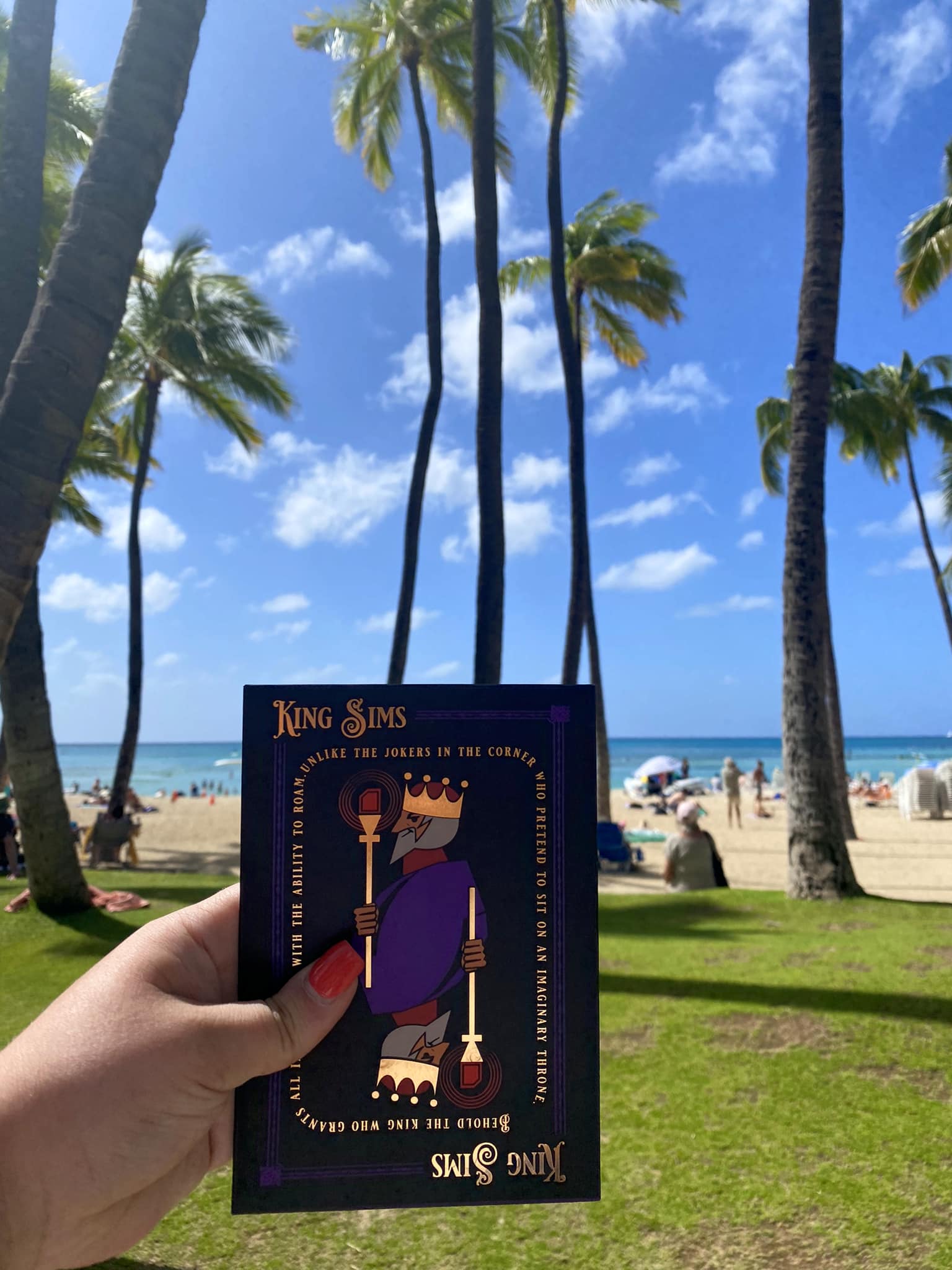
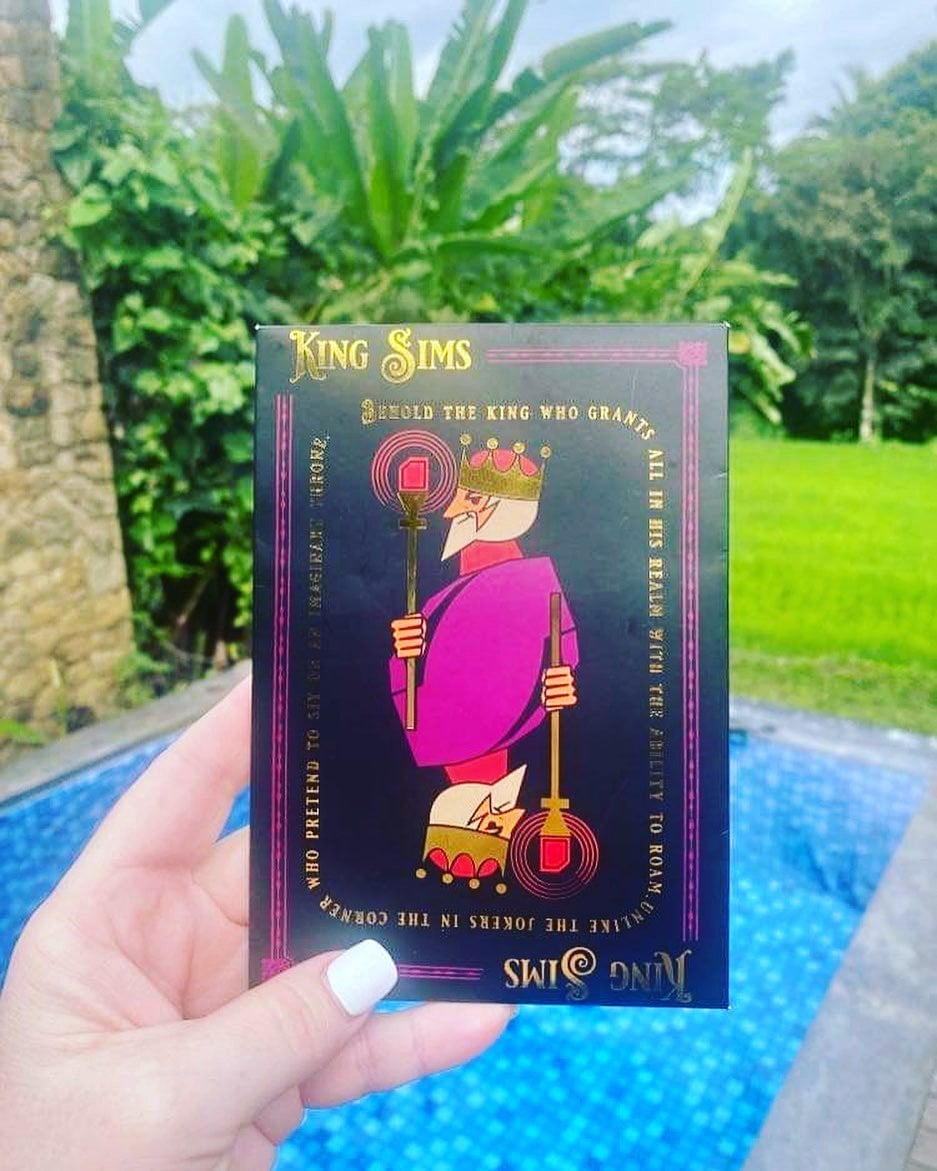
👑 The King Sims Pack comes with a SIM Card tray opener for your convenience. There is a neat little surprise on our King Sims pin 😉

📲 Plug & Play Activation – You don’t need to do anything else when you land just insert the SIM into your phone and turn data roaming to “ON” and you’ll be set.

🌎 The SIM card works smoothly in 25 African Countries.

🔄 The SIM Card expires in 3 months after your bundle has finished and no recharge is made onto the SIM.

📅 Arrival Date Required: You must provide us with your arrival date at the checkout. If you do not give us your arrival date, we cannot successfully activate your Africa SIM Card. If you want to buy the Travel SIM but don’t have exact dates on when you will be travelling. Simply put the word “Pending” at the checkout. 

SIM Features

📶 Select Data: 10GB of Fast 4G Data in Africa 🌍

🌎 Africa Wide Coverage: Works in 25 Countries in Africa  – click the “Countries Covered 🌍” Tab to see which countries it supports.

📅 Select Days:  30 Day Plan

🔄 Reloadable SIM: Can be reloaded with more 4G data

🛜 Mobile Hotspot enabled: This means you can share your Data to multiple devices.

🛠️ Triple Cut SIM: Manufactured in a Triple-Cut SIM which fits: StandardMicro, & Nano SIM sizes.

📲 Plug & Play Activation: You don’t need to do anything else when you land just insert the SIM into your phone and your set.

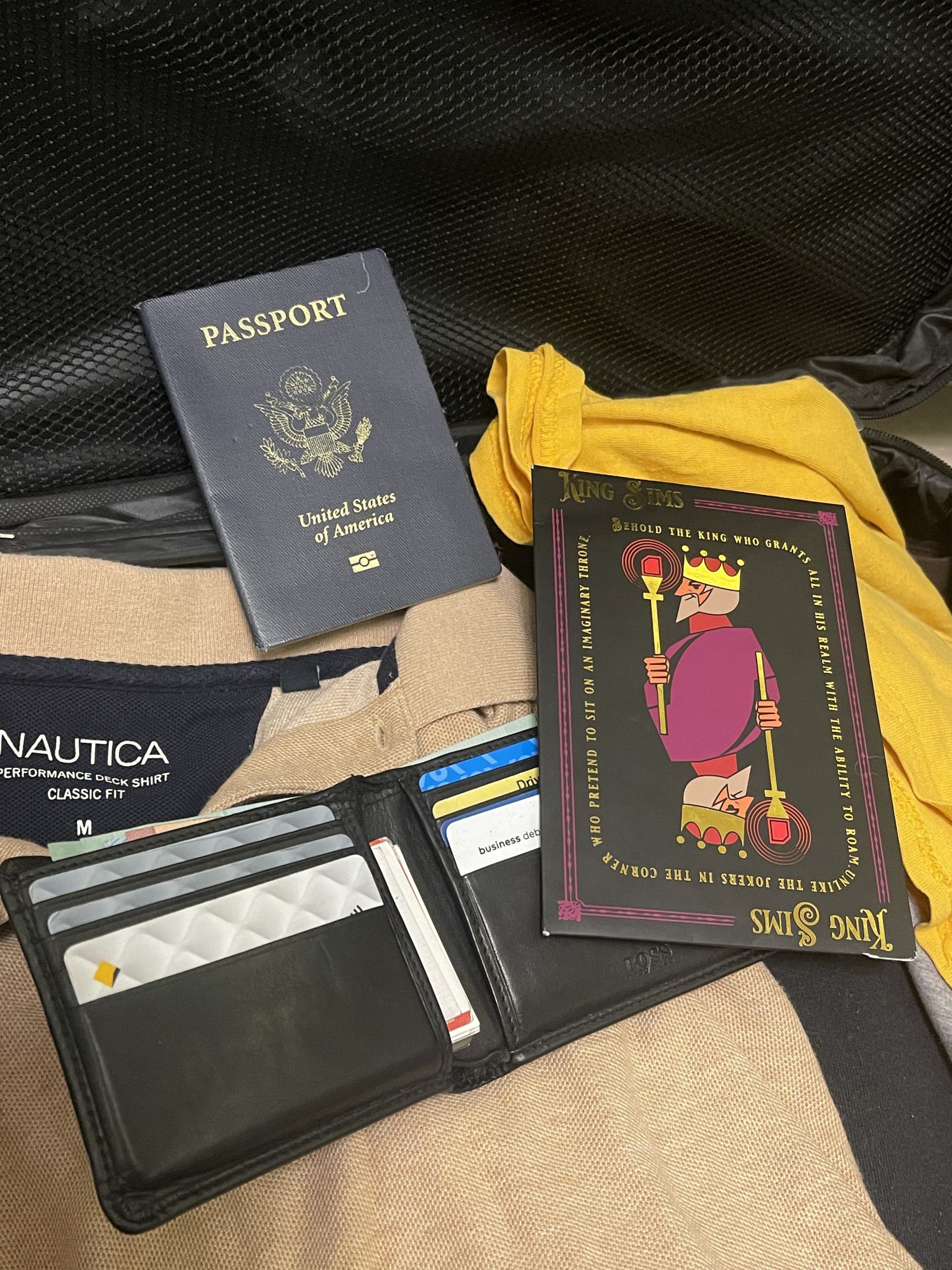
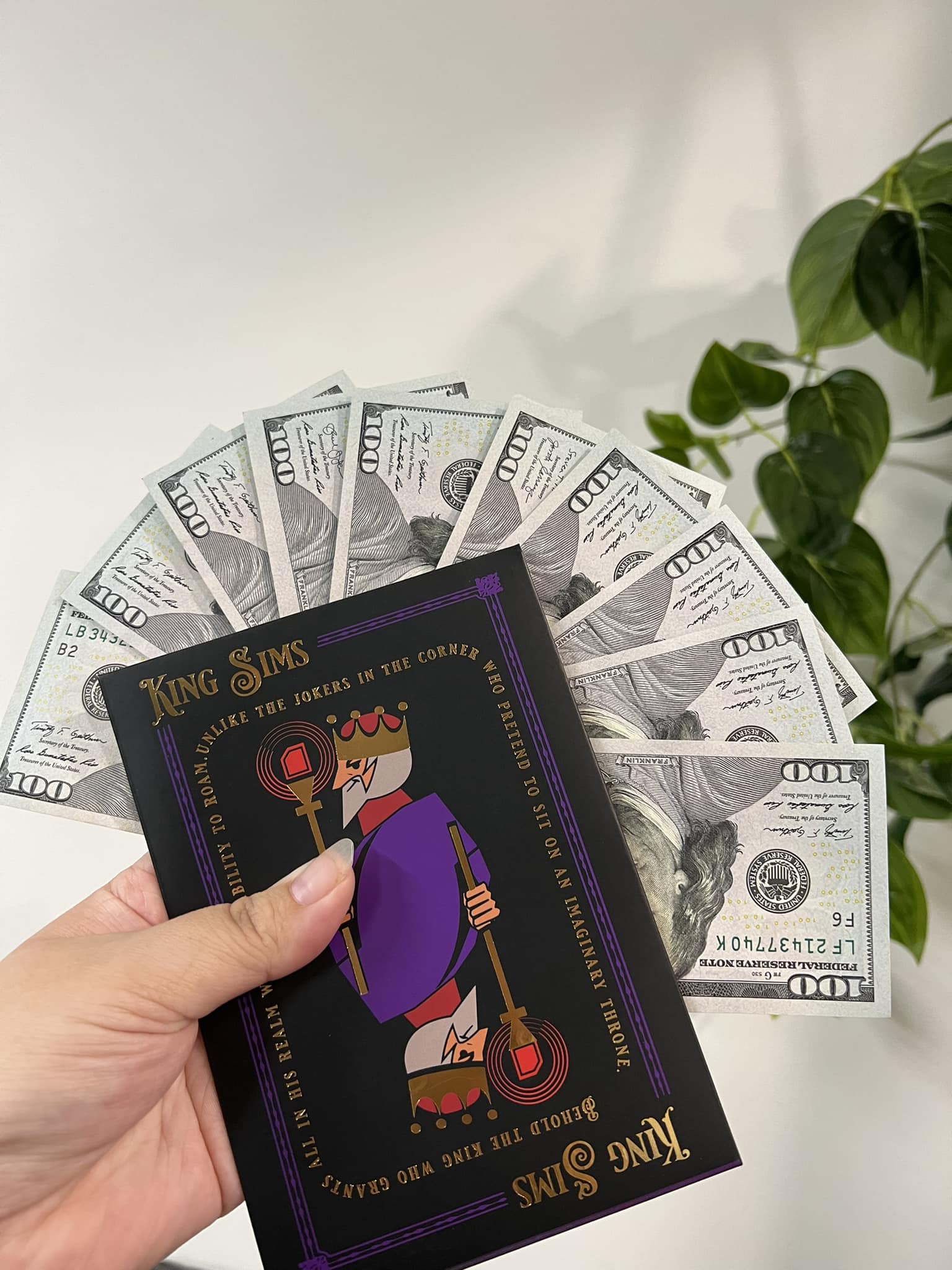
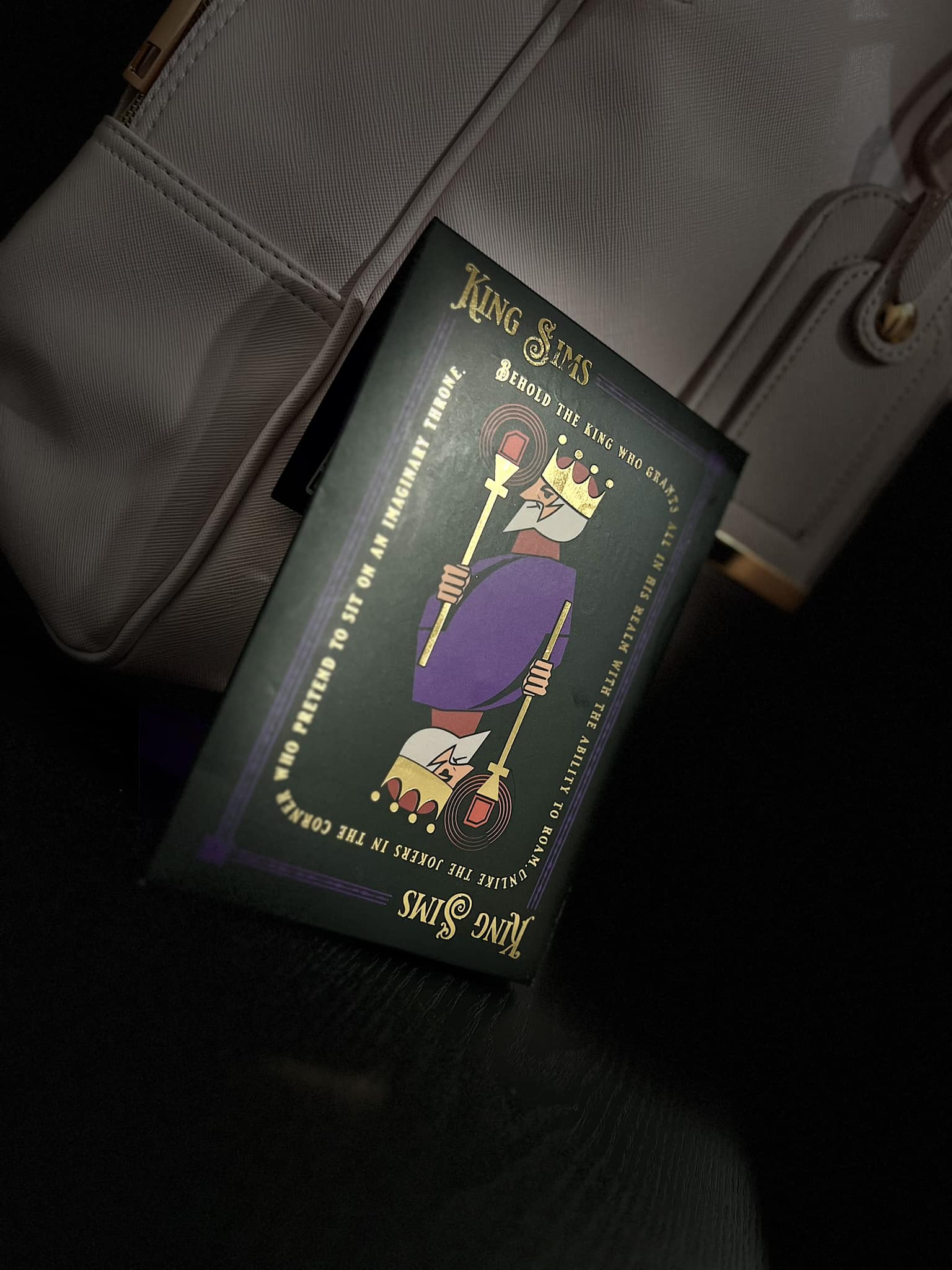
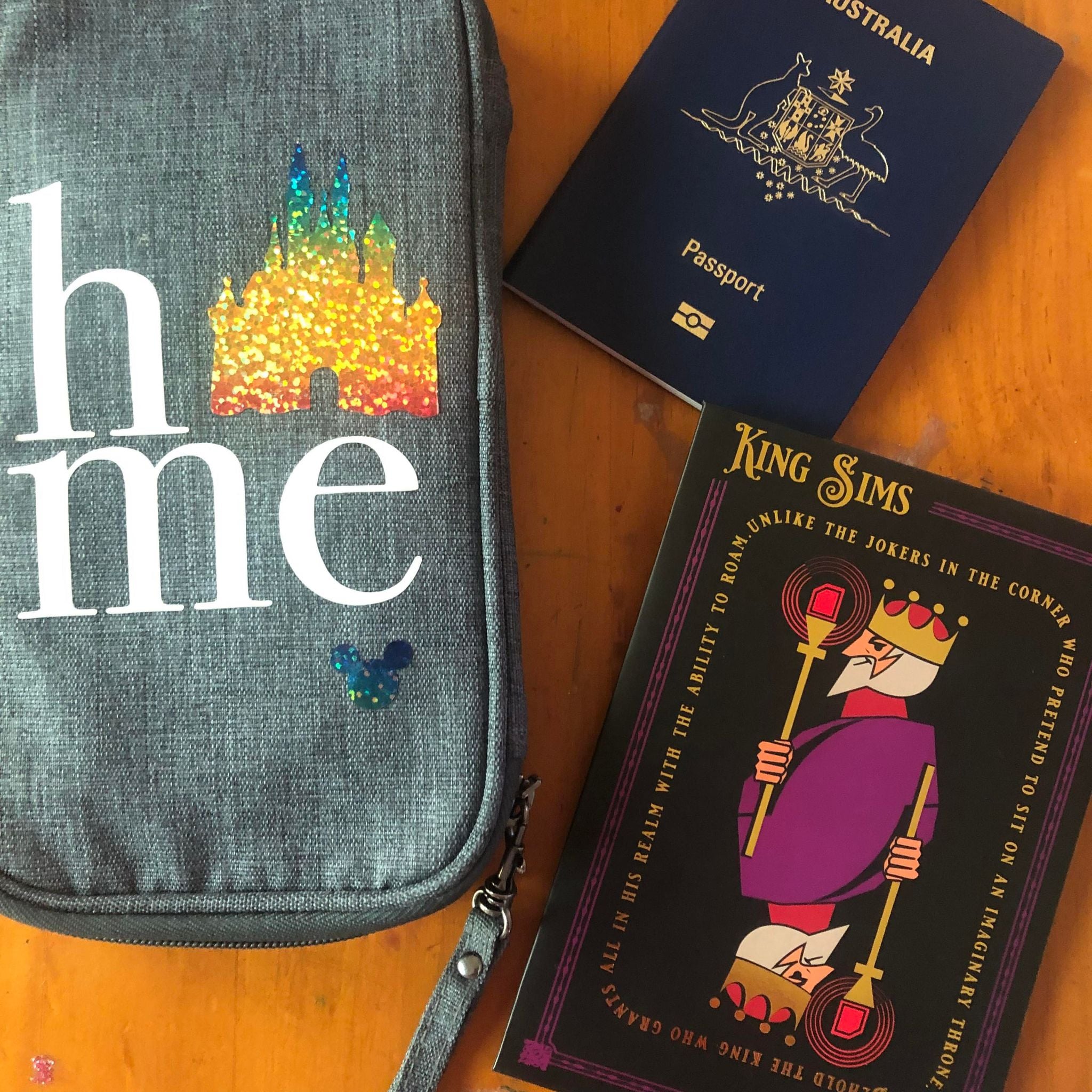
👑 Royal King Sims Packaging: Comes in our famous Royal King Sims packaging. Which includes everything you need to swap your Sim cards when you arrive. You’ll also have direct links to our customer support team inside the packaging.

YOUR SECRET 🤫
KING SIMS APP CODE 🎁

king-sims-experience

Copy your secret 20% off King Sims app code down below. Apply it in your cart or checkout

QR Code
Activation Guide

Step-1-iPhone-QR-code-2x

Open your 'Cellular' or 'Mobile Data' settings.

Tap 👆 "Add eSIM"

QR Code
Activation Guide

Step-2-iPhone-QR-Code-Activation-Guide

You'll be directed to a screen with multiple activation options.
For QR code activation, select the option: "Use QR code"

QR Code
Activation Guide

Step-3-iPhone-QR-Code-Activation-Guide

Position your phone's camera on the QR code we emailed you and found in the King Sims App.

💡King Tip: Travelling with a friend? Simply send your QR code to a friend and scan it off their phone!

QR Code
Activation Guide

Step-4-iPhone-QR-Code-Activation-Guide

Wait a moment for the eSIM to detect the local network.

Once successful, you'll get a message saying:
"Your new eSIM is ready to activate"

👆Tap Continue

QR Code
Activation Guide

Step-5-iPhone-QR-Code-Activation-Guide

Data Only eSIMs:
If your eSIM comes only with data
👆Tap "Data Only"

eSIMs with Calls & Texts:
If your eSIM comes with calls & texts like our other eSIM ranges
👆Tap "Voice and Data"

QR Code
Activation Guide

Step-6-iPhone-QR-Code-Activation-Guide

Wait a moment ⏳
Once you see this notice pop-up, it means your activation has successfully completed.

Last Step:
Once you see this notification, we need to name and finalise your eSIM setup.
👆Tap "Done" When your ready.

QR Code
Activation Guide

Step-7-iPhone-QR-Code-Activation-Guide

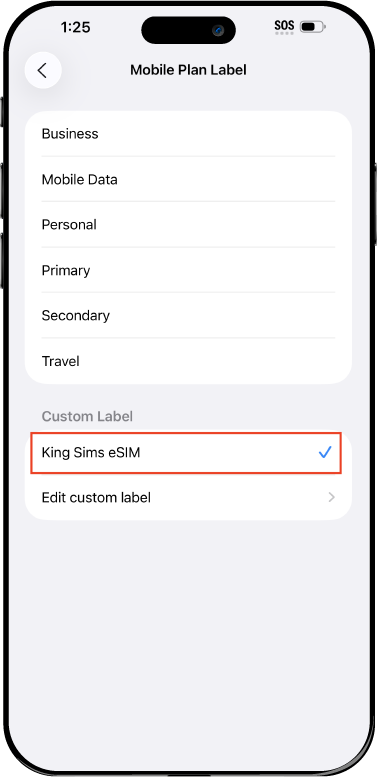
Name Your eSIM ✍️
Once you pass the last step, look for your newly activated eSIM and tap its "Name".

Mobile Plan Label:
Select "Custom Label"
Name it: "King Sims eSIM"

QR Code
Activation Guide

Step-8-iPhone-QR-Code-Activation-Guide

Final Step 👑
Turn on your line ✅

Turn Data Roaming to 'ON'
look for the option titled "Data Roaming"
then Tap 👆the option to turn it 'ON'

For Local eSIM plans with a mobile number, this step is not necessary.

You're Ready To Go 🎉

Step-9-iPhone-QR-Code-Activation-Guide

Welcome to the Kingdom 👑
Once you see the 4G or 5G symbol, test your mobile data.

Once your mobile data starts working without Wi-Fi it means your eSIM has successfully activated

Now you can start travelling with freedom
like a King 🤴 or 👸Queen.

✅ Step 1: Activate Your SIM Card

king-sims-experience.
📅 Add Your Arrival Date:
At checkout, let us know when you're landing in your destination — whether it's 🇺🇸 USA, 🇨🇦 Canada, or 🇲🇽 Mexico. We’ll schedule your SIM for seamless activation.
👑 Have King Sims Ready:
Make sure you have your King Sims packaging ready. It has all you need to get set up.
📲 Swap Your SIM cards:
Once you land, just pop the King Sims card into your phone. Use the "King Pin" in your packaging to swap your SIMs.
🔁 Restart Your Phone:
Give your device a quick restart to kickstart the activation magic.
📩 Get the Welcome Message: Depending on our partnered mobile network and which SIM card you ordered. You’ll get a welcome SMS from the Network with your brand new mobile number — you're officially connected! 🎉
💬 Need Help?
If you see SOS only or no signal, reach out via Live Chat — our support team can sort it in under 5 minutes. 👑
💡 King Tip:
If your King SIM works across multiple countries, don’t forget to turn Data Roaming ON to stay connected in every destination it covers. 🌍📶

Does My Device Have eSIM?

👑 King Tip: If your device isn't listed here simply search google with your phone model to find out if it is 💡

  • iPhone XS
  • iPhone XS Max
  • iPhone 11
  • iPhone 11 Pro
  • iPhone 11 Pro Max
  • iPhone SE (2020)
  • iPhone 12 Mini
  • iPhone 12
  • iPhone 12 Pro
  • iPhone 12 Pro Max
  • iPhone 13 mini
  • iPhone 13
  • iPhone 13 Pro
  • iPhone 13 Pro Max
  • iPhone SE (2022)
  • iPhone 14
  • iPhone 14 Plus
  • iPhone 14 Pro
  • iPhone 14 Pro Max
  • iPhone 15
  • iPhone 15 Plus
  • iPhone 15 Pro
  • iPhone 15 Pro Max
  • iPhone 16 (All Models)
  • iPad Pro (2018 and onwards)
  • iPad Air
  • iPad
  • Watch series 3
  • Watch series 4
  • Watch series 5
  • Watch series 6
  • Watch SE
  • Galaxy Z Flip
  • Galaxy Z Flip 5G
  • Galaxy Z Flip3 5G
  • Galaxy Z Flip4
  • Galaxy Z Flip5
  • Galaxy Fold
  • Galaxy Z Fold2 5G
  • Galaxy Z Fold3 5G
  • Galaxy Z Fold4
  • Galaxy Z Fold5 5G
  • Galaxy S20
  • Galaxy S21
  • Galaxy S21+ 5G
  • Galaxy S21 Ultra 5G
  • Galaxy S22
  • Galaxy S22+
  • Galaxy S22 Ultra
  • Galaxy Note 20 Ultra 5G
  • Galaxy Note 20
  • Galaxy S23
  • Galaxy S23+
  • Galaxy S23 Ultra
  • Galaxy S24
  • Galaxy S24+
  • Galaxy S24 Ultra
  • Galaxy S20 Ultra 5G
  • Gemini PDA
  • Pixel 3
  • Pixel 3a
  • Pixel 4
  • Pixel 4a
  • Pixel 5
  • Pixel 6
  • Pixel 6a
  • Pixel 6 Pro
  • Pixel 7
  • Pixel 7 Pro
  • Pixel 8
  • Pixel 8 Pro
  • P40
  • P40 Pro (not including the P40 Pro +)
  • Mate 40 Pro
  • Razr 2019
  • Razr 5G
  • Motorola Razr 40
  • Motorola Razr 40 Ultra
  • Razr+
  • Edge+
  • Edge 40
  • Edge 40 Pro
  • Edge 40 Neo
  • G52J 5G
  • G52J 5G Ⅱ
  • G53J 5G
  • Find X3 Pro
  • Reno 5 A
  • Find X5
  • Find X5 Pro
  • Reno6 Pro 5G
  • A55s 5G
  • Rakuten Mini
  • Big-S
  • Big
  • Hand
  • Hand 5G
  • Xperia 10 III Lite
  • Xperia 10 IV
  • Xperia 10V
  • Xperia Xperia 1 IV
  • Xperia 5 IV
  • Xperia 1 V
  • Xperia Ace III
  • Xperia 5 V
  • Honor
  • Magic 4 Pro
  • AQUOS Sense6s
  • AQUOS wish
  • AQUOS sense4 lite
  • AQUOS sense 7
  • AQUOS sense 7plus
  • AQUOS wish 2 SHG08
  • AQUOS wish3
  • AQUOS zero 6
  • Simple Sumaho6
  • AQUOS R7
  • AQUOS R8
  • AQUOS R8 Pro
  • V30
  • 12T Pro
  • 13
  • 13 Lite
  • 13 Pro
  • 13T Pro 
  • Honor Magic 4 Pro
  • Honor Magic 5 Pro
  • Honor 90
  • Honor X8
  • Oneplus Open
  • Oneplus 11
  • Oneplus 12 
  • Nokia XR21
  • Nokia X30
  • Nokia G60 5G
  • HAMMER Blade 3
  • HAMMER Explorer PRO
  • HAMMER Blade 5G
  • Vivo X90 Pro
  • Vivo V29 Lite 5G (Europe Only)

Africa Travel SIM | 10GB Data

USD $49.84

- +

Travel SIM card Features

About Your SIM Card

Where Does it Work

Shipping & Handling

Guaranteed Safe Checkout

Give Your Roaming Bill
The Royal Flush

Welcome To The King Sims Experience

Step 1: It All Starts With The King's Travel eSIM

The King has made your travel experience easy and smooth. With just a click, your Africa Travel SIM is delivered to your doorstep. No more waiting for a prepaid travel SIM at any airport in Africa. Say “goodbye” 👋  to expensive mobile roaming and hello to traveling like royalty! 👑
Step 2: *Ding* You’ve got mail! It looks like it’s from the King 👑

Don't Keep The King Waiting…

Open it up... 🎁  Do you like what you see? It's a small piece of plastic with HUGE benefits. Dressed in fancy royal King Sims packaging, you're ready to travel like a King 🤴 and 👸Queen . Save this gem 💎 and make sure you don't forget it when you land. Trust us, you'll need it.

Step 3: Land in any Country… Swap SIM cards 📲 Be on your way!

When the plane touches down in any of the countries your SIM covers. Pop out your SIM card from home with the handy 'King Pin' in your packaging and then plug in your 📲 King SIM. Go to your "Mobile Data Roaming" settings and turn your "data roaming" to 'ON' Before you even deboard the plane, your King SIM should be up and running,and your phone buzzing 📲 from all the missed notifications on your flight ✈️ 

Step 4: Walk out of the Plane Like a King & Queen

Congratulations 🎉 Royal Traveller! You’ve connected to 10GB of Fast 4G data for 30 days in 25 African 🌍 Countries. Don’t forget, our Africa Travel SIM cards are unique because they work smoothly in 25 African Destinations, with only 1 SIM. Smart move! You’ve saved so much money on mobile roaming and didn’t have to wait in line for a prepaid SIM after a long flight to Africa to stay connected. Now go enjoy your trip! And remember…

Welcome to the King Sims Experience 👑

Royal Reviews

Connected 100K + Travellers 🎉

Customer Reviews
5.0 Based on 1 Reviews
5 ★
100% 
1
4 ★
0% 
0
3 ★
0% 
0
2 ★
0% 
0
1 ★
0% 
0
Customer Photos
Write a Review Ask a Question

Thank you for submitting a review!

Your input is very much appreciated. Share it with your friends so they can enjoy it too!

Filter Reviews:
TS
21 June 2025
Tracey S.
AU AU

Excellent

My physical sim for Africa worked very well. Plugged in and connected in seconds. Even worked in country not listed. Getting 5g coverage. Would definitely recommend.

King Sims Africa Travel SIM | 10GB Data Review

0