

Shipping & Handling

How To Activate Your eSIM

📲 eSIM Compatible Devices

Activating your dTac Thailand Travel eSIM is simple — just make sure you have an eSIM-compatible mobile device.

📩 After Purchase
You’ll receive your QR code via email and on the Order Confirmation Page — both in the King Sims app and website.

🛬 When You Land
🤳 Open your camera and point it at the QR code from your email, order page, King Sims app, or another screen
✅ Tap “Add eSIM” or “Add Mobile Plan”
🛜 Then head to your Mobile Data settings, turn “Data Roaming” ON
🚀 Start using your data instantly!

💡 Not sure if your device supports eSIM?
👇 Tap the button below to check 👇

Countries Covered

What countries your SIM works in

Countries Covered 🌏

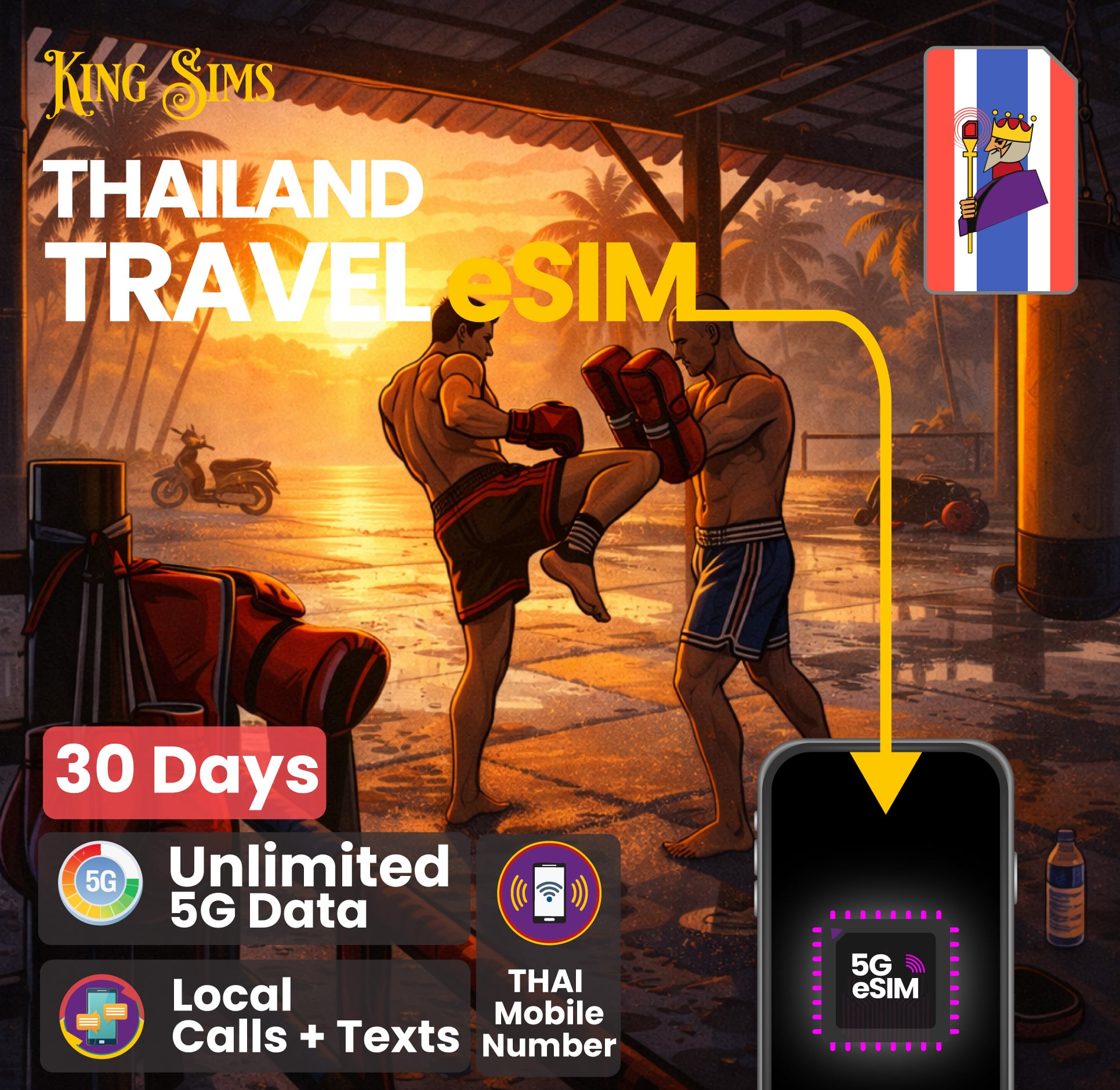
This Travel eSIM, works in Thailand 🇹🇭 only.
After landing and connecting to Wi-Fi in  Thailand 🇹🇭
Just make sure you turn “Data Roaming” to “On” in your
device settings for it to work automatically when you land.

About Your SIM

🚀 Instant Delivery: Your eSIM QR code is delivered immediately after purchase via email, in your order confirmation page, and in the King Sims App

🇹🇭 Must Be Activated in Thailand: This eSIM must be activated inside Thailand. Do not install it before departure.

🗓️ Plan Validity: Your plan lasts 10, 15, or 30 days (depending on what you choose) starting from the moment you activate the eSIM.

📞 Calling & SMS: You can call and text Thai numbers directly using this eSIM. You must go into a TRUE or Dtac Store to provide ID details to make calls to local Thai Numbers.

🔁 Extend or Recharge: If you’re staying longer, you can recharge or extend this eSIM directly with TRUE or contact King Sims and we’ll handle it for you.

📶 Mobile Hotspot Supported: You can share your data freely with other devices.

🪪 No ID Registration Required

📲 SCAN QR Code To Activate:

Connect to Airport Wi-Fi, then:
🤳 Open your camera and point it at the QR code from your email, order page, app, or account
✅ Tap “Add eSIM” or “Add Mobile Plan”
🛜 Go to your eSIM Mobile Data settings, find “Data Roaming”, and turn it ON
🚀 Enjoy instant connection!

SIM Features

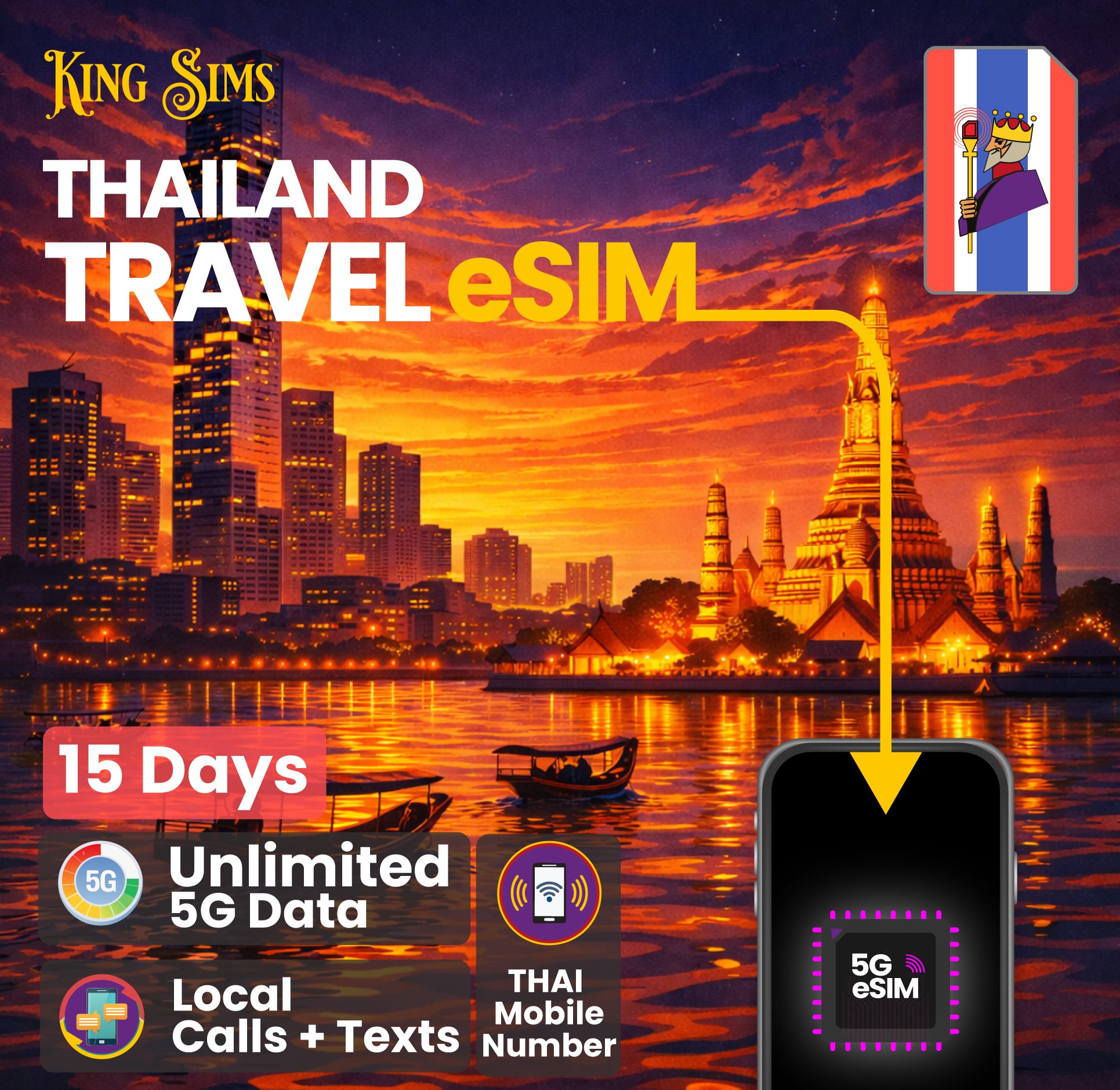
🚀 Unlimited 5G Data: Enjoy truly unlimited high-speed 5G data in Thailand 🇹🇭 — browse, stream, navigate, and share without worrying about data limits.

🗓️ Choose Your Plan: Select from 10 Days, 15 Days, or 30 Days — perfect for short trips, longer holidays, or extended stays.

📞 Local & International Calling Included:

  • Includes local Thai call credits for calling Thai numbers

  • Includes international call minutes to selected countries (such as China, Hong Kong, Macau, Taiwan, India, South Korea & Vietnam)

  • Also includes Unlimited calls to other TRUE mobile numbers

⚡️ Tier 1 Mobile Network: Connects to TRUE, one of Thailand’s largest and most reliable mobile networks, with excellent coverage across cities, islands, and tourist regions.

💬 Unlimited Chat Messaging:  Enjoy unlimited usage on popular messaging apps like LINE, WhatsApp, Facebook Messenger, WeChat & KakaoTalk.

🛜 Mobile Hotspot Enabled:Share your connection with laptops, tablets, or travel companions — mobile hotspot is fully supported.

📲 Instant QR Code Delivery: Your Thailand eSIM QR code is delivered instantly via email and available on your order confirmation page and in your King Sims app account.

📱 Works on Phones & Tablets: Compatible with most modern eSIM-supported iPhones and Android devices.

YOUR SECRET 🤫
KING SIMS APP CODE 🎁

king-sims-experience

Copy your secret 20% off King Sims app code down below. Apply it in your cart or checkout

QR Code
Activation Guide

Step-1-iPhone-QR-code-2x

Open your 'Cellular' or 'Mobile Data' settings.

Tap 👆 "Add eSIM"

QR Code
Activation Guide

Step-2-iPhone-QR-Code-Activation-Guide

You'll be directed to a screen with multiple activation options.
For QR code activation, select the option: "Use QR code"

QR Code
Activation Guide

Step-3-iPhone-QR-Code-Activation-Guide

Position your phone's camera on the QR code we emailed you and found in the King Sims App.

💡King Tip: Travelling with a friend? Simply send your QR code to a friend and scan it off their phone!

QR Code
Activation Guide

Step-4-iPhone-QR-Code-Activation-Guide

Wait a moment for the eSIM to detect the local network.

Once successful, you'll get a message saying:
"Your new eSIM is ready to activate"

👆Tap Continue

QR Code
Activation Guide

Step-5-iPhone-QR-Code-Activation-Guide

Data Only eSIMs:
If your eSIM comes only with data
👆Tap "Data Only"

eSIMs with Calls & Texts:
If your eSIM comes with calls & texts like our other eSIM ranges
👆Tap "Voice and Data"

QR Code
Activation Guide

Step-6-iPhone-QR-Code-Activation-Guide

Wait a moment ⏳
Once you see this notice pop-up, it means your activation has successfully completed.

Last Step:
Once you see this notification, we need to name and finalise your eSIM setup.
👆Tap "Done" When your ready.

QR Code
Activation Guide

Step-7-iPhone-QR-Code-Activation-Guide

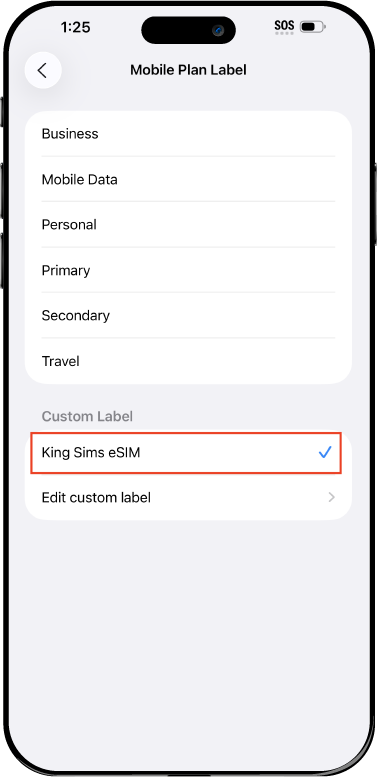
Name Your eSIM ✍️
Once you pass the last step, look for your newly activated eSIM and tap its "Name".

Mobile Plan Label:
Select "Custom Label"
Name it: "King Sims eSIM"

QR Code
Activation Guide

Step-8-iPhone-QR-Code-Activation-Guide

Final Step 👑
Turn on your line ✅

Turn Data Roaming to 'ON'
look for the option titled "Data Roaming"
then Tap 👆the option to turn it 'ON'

For Local eSIM plans with a mobile number, this step is not necessary.

You're Ready To Go 🎉

Step-9-iPhone-QR-Code-Activation-Guide

Welcome to the Kingdom 👑
Once you see the 4G or 5G symbol, test your mobile data.

Once your mobile data starts working without Wi-Fi it means your eSIM has successfully activated

Now you can start travelling with freedom
like a King 🤴 or 👸Queen.

✅ Step 1: Activate Your SIM Card

king-sims-experience.
📅 Add Your Arrival Date:
At checkout, let us know when you're landing in your destination — whether it's 🇺🇸 USA, 🇨🇦 Canada, or 🇲🇽 Mexico. We’ll schedule your SIM for seamless activation.
👑 Have King Sims Ready:
Make sure you have your King Sims packaging ready. It has all you need to get set up.
📲 Swap Your SIM cards:
Once you land, just pop the King Sims card into your phone. Use the "King Pin" in your packaging to swap your SIMs.
🔁 Restart Your Phone:
Give your device a quick restart to kickstart the activation magic.
📩 Get the Welcome Message: Depending on our partnered mobile network and which SIM card you ordered. You’ll get a welcome SMS from the Network with your brand new mobile number — you're officially connected! 🎉
💬 Need Help?
If you see SOS only or no signal, reach out via Live Chat — our support team can sort it in under 5 minutes. 👑
💡 King Tip:
If your King SIM works across multiple countries, don’t forget to turn Data Roaming ON to stay connected in every destination it covers. 🌍📶

Does My Device Have eSIM?

👑 King Tip: If your device isn't listed here simply search google with your phone model to find out if it is 💡

  • iPhone XS
  • iPhone XS Max
  • iPhone 11
  • iPhone 11 Pro
  • iPhone 11 Pro Max
  • iPhone SE (2020)
  • iPhone 12 Mini
  • iPhone 12
  • iPhone 12 Pro
  • iPhone 12 Pro Max
  • iPhone 13 mini
  • iPhone 13
  • iPhone 13 Pro
  • iPhone 13 Pro Max
  • iPhone SE (2022)
  • iPhone 14
  • iPhone 14 Plus
  • iPhone 14 Pro
  • iPhone 14 Pro Max
  • iPhone 15
  • iPhone 15 Plus
  • iPhone 15 Pro
  • iPhone 15 Pro Max
  • iPhone 16 (All Models)
  • iPad Pro (2018 and onwards)
  • iPad Air
  • iPad
  • Watch series 3
  • Watch series 4
  • Watch series 5
  • Watch series 6
  • Watch SE
  • Galaxy Z Flip
  • Galaxy Z Flip 5G
  • Galaxy Z Flip3 5G
  • Galaxy Z Flip4
  • Galaxy Z Flip5
  • Galaxy Fold
  • Galaxy Z Fold2 5G
  • Galaxy Z Fold3 5G
  • Galaxy Z Fold4
  • Galaxy Z Fold5 5G
  • Galaxy S20
  • Galaxy S21
  • Galaxy S21+ 5G
  • Galaxy S21 Ultra 5G
  • Galaxy S22
  • Galaxy S22+
  • Galaxy S22 Ultra
  • Galaxy Note 20 Ultra 5G
  • Galaxy Note 20
  • Galaxy S23
  • Galaxy S23+
  • Galaxy S23 Ultra
  • Galaxy S24
  • Galaxy S24+
  • Galaxy S24 Ultra
  • Galaxy S20 Ultra 5G
  • Gemini PDA
  • Pixel 3
  • Pixel 3a
  • Pixel 4
  • Pixel 4a
  • Pixel 5
  • Pixel 6
  • Pixel 6a
  • Pixel 6 Pro
  • Pixel 7
  • Pixel 7 Pro
  • Pixel 8
  • Pixel 8 Pro
  • P40
  • P40 Pro (not including the P40 Pro +)
  • Mate 40 Pro
  • Razr 2019
  • Razr 5G
  • Motorola Razr 40
  • Motorola Razr 40 Ultra
  • Razr+
  • Edge+
  • Edge 40
  • Edge 40 Pro
  • Edge 40 Neo
  • G52J 5G
  • G52J 5G Ⅱ
  • G53J 5G
  • Find X3 Pro
  • Reno 5 A
  • Find X5
  • Find X5 Pro
  • Reno6 Pro 5G
  • A55s 5G
  • Rakuten Mini
  • Big-S
  • Big
  • Hand
  • Hand 5G
  • Xperia 10 III Lite
  • Xperia 10 IV
  • Xperia 10V
  • Xperia Xperia 1 IV
  • Xperia 5 IV
  • Xperia 1 V
  • Xperia Ace III
  • Xperia 5 V
  • Honor
  • Magic 4 Pro
  • AQUOS Sense6s
  • AQUOS wish
  • AQUOS sense4 lite
  • AQUOS sense 7
  • AQUOS sense 7plus
  • AQUOS wish 2 SHG08
  • AQUOS wish3
  • AQUOS zero 6
  • Simple Sumaho6
  • AQUOS R7
  • AQUOS R8
  • AQUOS R8 Pro
  • V30
  • 12T Pro
  • 13
  • 13 Lite
  • 13 Pro
  • 13T Pro 
  • Honor Magic 4 Pro
  • Honor Magic 5 Pro
  • Honor 90
  • Honor X8
  • Oneplus Open
  • Oneplus 11
  • Oneplus 12 
  • Nokia XR21
  • Nokia X30
  • Nokia G60 5G
  • HAMMER Blade 3
  • HAMMER Explorer PRO
  • HAMMER Blade 5G
  • Vivo X90 Pro
  • Vivo V29 Lite 5G (Europe Only)

Thailand eSIM | Unlimited Data – TRUE Network

From USD $14.27

eSIM Features

About Your eSIM

Where Does it Work

How To Activate eSIM

Check eSIM Devices

Guaranteed Safe Checkout

Welcome To The
King Sims Experience.

King-On-Carpet-1-Product-Page

Come with me…
let’s travel overseas ✈️

Your flight’s are booked, now let’s do it properly, nice and easy.
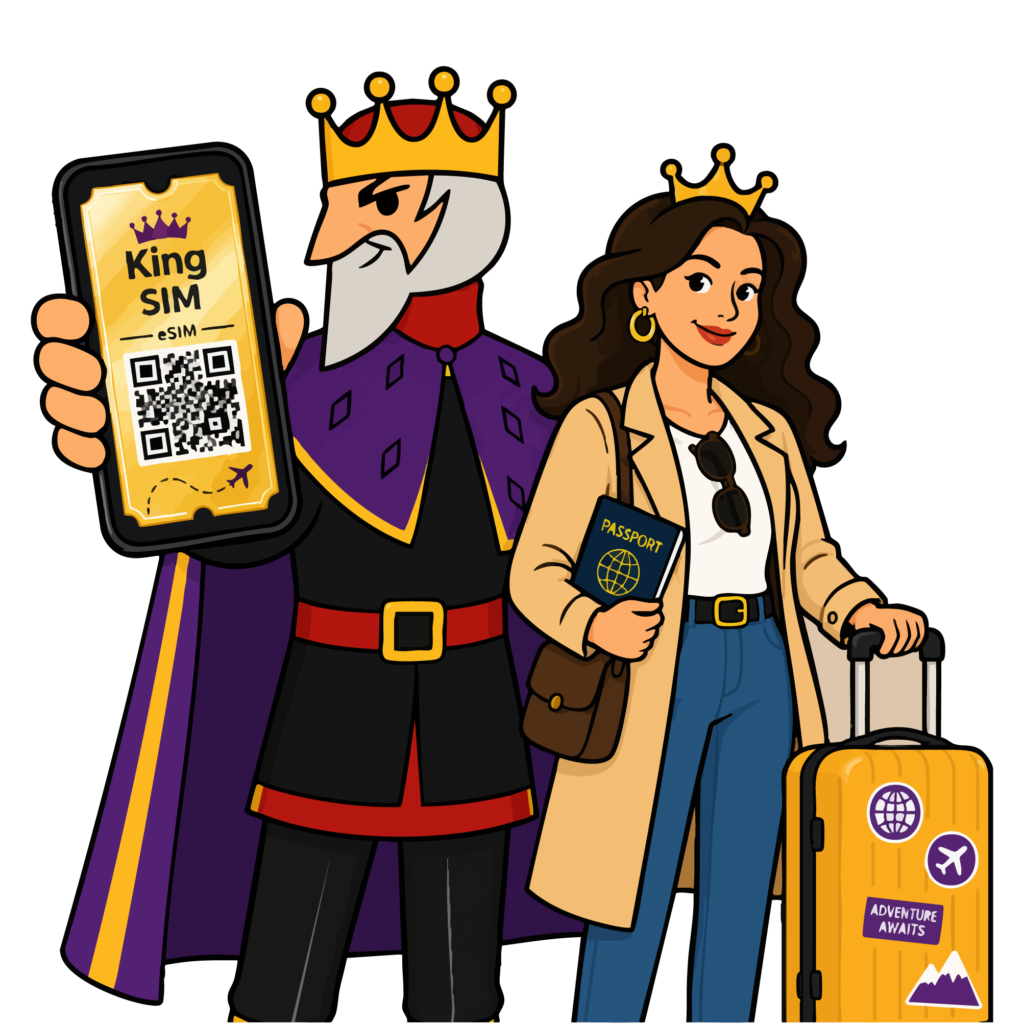
king-holding-esim-final-2

With a King eSIM,
it’s all you ever need 😉

Skip the airport lines, skip the stress…
land connected, nothing less.
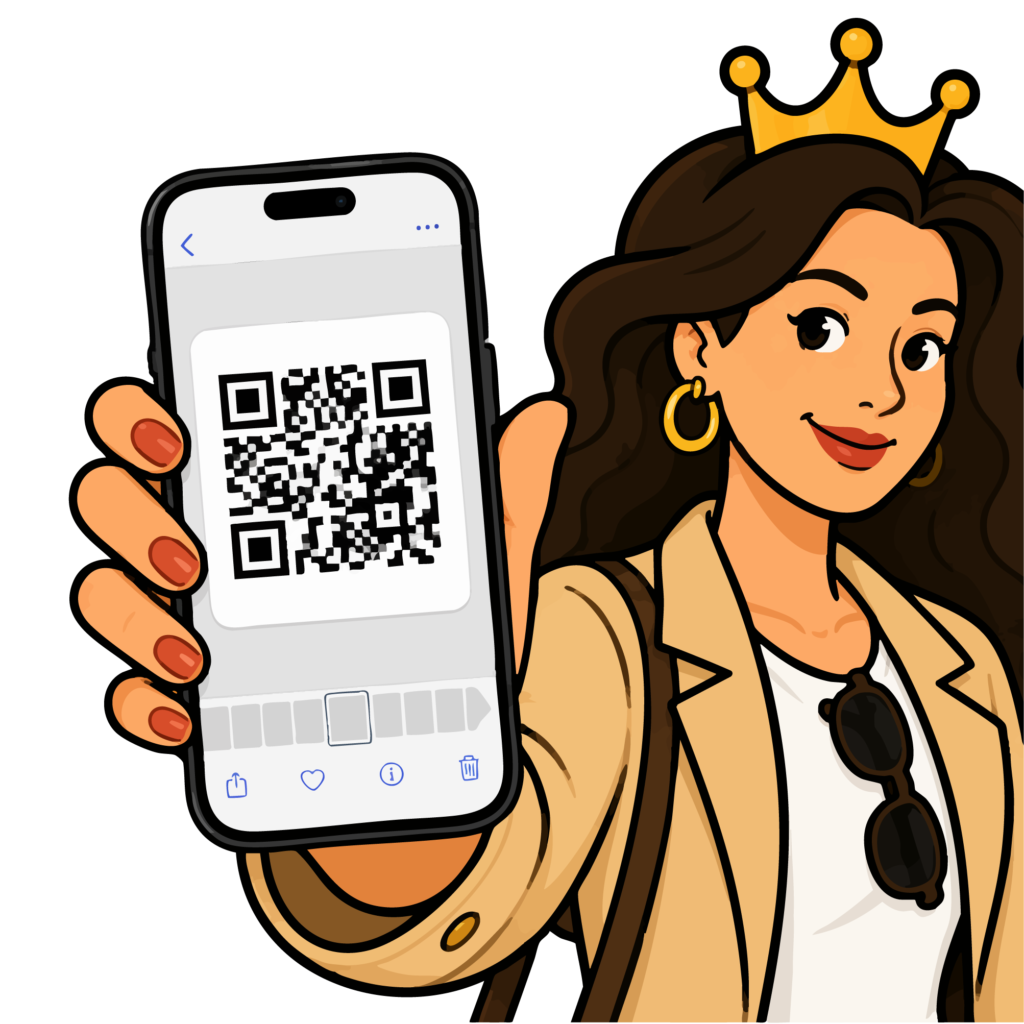
Queen-Holding-eSIM.png

Save it to your phone 📲
nice and neat 👌

QR saved, ready to go…
everything set before you even show.
King-Queen-4-Products

You land… and you’re
back on your feet 🛬

Touch down, switch on… you’re moving while they’re still figuring it out.
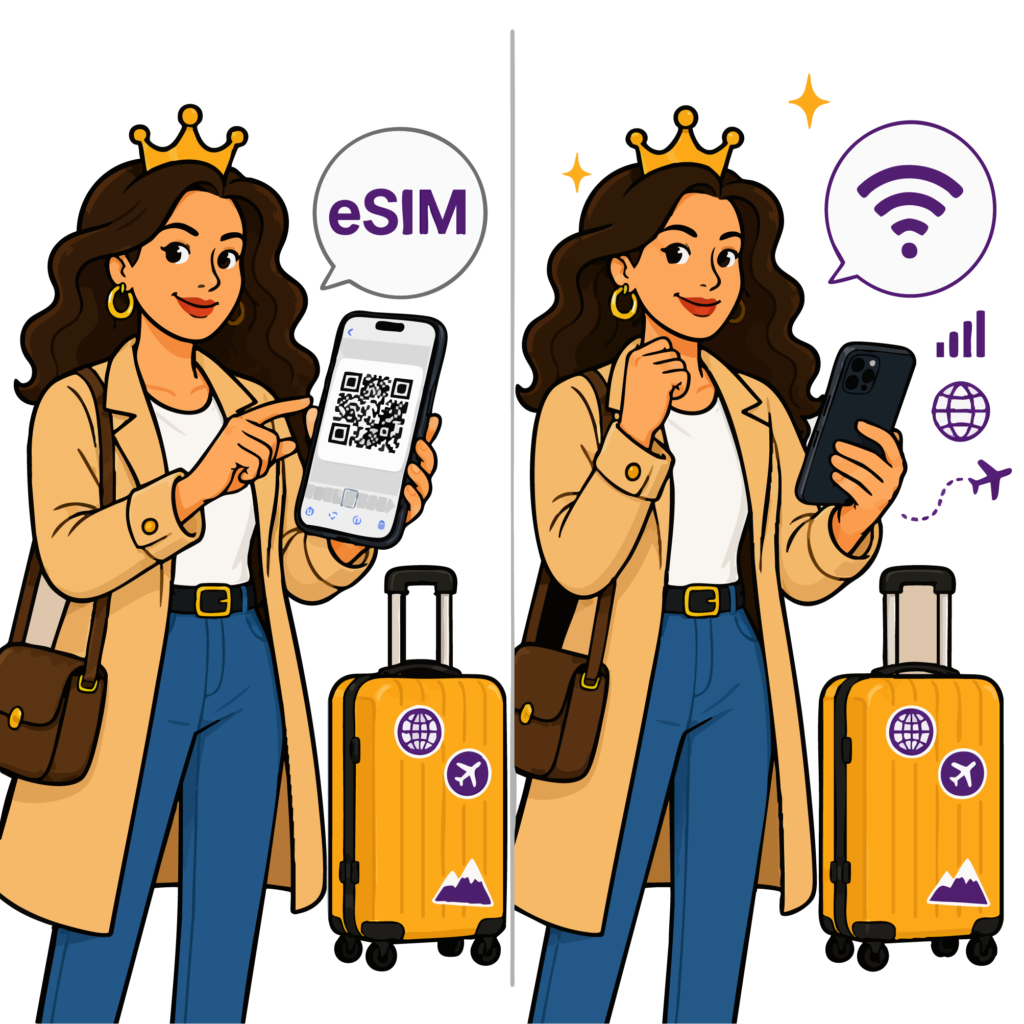
queen-activating-eSIM-final

Scan it in quick... 🤳
smooth and discreet 📲

Use the 'King Pin' and install your King Sims.
Congrats, now you’re live! No lines, and no asking for Wi-Fi.

King-with-Queen-on-beach-6-products

Now you’re online 😍
life feels complete 😌

Now you’re online... and the trip feels fine. With a King Sim, your travel is sweet. Everything just works the way it should be.

Royal Reviews

Connected 100K + Travellers 🎉

Customer Reviews
5.0 Based on 284 Reviews
5 ★
99% 
280
4 ★
1% 
2
3 ★
0% 
0
2 ★
0% 
0
1 ★
0% 
2
Customer Photos
Write a Review Ask a Question

Thank you for submitting a review!

Your input is very much appreciated. Share it with your friends so they can enjoy it too!

Filter Reviews:
RE
11 June 2026
Rabieh E.
AU AU

My 5th purchase

Always travel to thailand and I ALWAYS get this eSIM from King Sims.

A King Sims Customer
ST
10 June 2026
Sharon t.
AU AU

Excellent for Long Travel Days

Airports, trains, taxis, hotels, I was constantly moving. The service stayed reliable the entire time. Very impressed.

NA
09 June 2026
Neil A.
AU AU

Good thai eSIM

Activated in less than 2 mins in Bangkok airport, will 100% use again.

SO
09 June 2026
Sean O.
AU AU

Definitely recommedn

THIS IS MY 4TH PURCHASE FROM KING SIMS HIGHLYY RECOMMEND!

0