









The Africa SIM Guide
Reliable Data From Cairo to Cape Town (Yes… Even on Safari 🦁📶)**
Let’s talk about the fear no one admits out loud.
You’re planning an Africa trip.
You’re excited.
You’re Googling safaris, beaches, cities, deserts…
Then the thought hits you:
👉 “Wait… will my phone even work?”😬📵
Somewhere along the internet grapevine, Africa got labeled as “slow internet,” “no signal,” or “total blackout once you leave the city.”
That myth?
Completely outdated.
The real problem isn’t Africa.
It’s travelers showing up with the wrong SIM strategy — and then blaming the continent.
By Royal Decree 👑, today we fix that.
Because with the right Africa SIM card, you can travel from Cairo to Cape Town, across cities, borders, and even safaris — fully connected.
Welcome to Africa… upgraded. 🌍✨
Let’s Kill the Biggest Africa Travel Myth 💥

Here’s the truth:
📱 Africa runs on mobile data, not Wi-Fi
📡 Major cities have strong 4G and expanding 5G
🏙️ Places like Cape Town, Nairobi, Casablanca, Accra, and Johannesburg have excellent coverage
🦁 Safari lodges oaften rely on mobile networks, not hotel Wi-Fi
So why do people struggle?
❌ They rely on public Wi-Fi
❌ They buy random local SIMs
❌ They pay $10/day raoaming fees
❌ They wait until arrival to “figure it out”
❌ They cross borders and watch their SIM die dramatically
Africa isn’t disconnected.
Your roaming plan is.
👑 King Tip:
If someone says “Africa has no internet,” ask them what SIM they used. Case closed.
The King’s Decree 👑✈️ Buy Before You Fly
Africa travel rewards preparation.
Not panic-buying a SIM at the airport.
Not begging café Wi-Fi to load WhatsApp.
Not accepting a $200 roaming bill as “just part of the trip.”
👑 Buy Before You Fly™
The Kingdom follows one sacred rule:
That’s why King Sims offers Africa Travel SIMs + Africa eSIMs built for multi-country travel.
👉 Explore Africa SIMs here:
https://kingsims.com/product-category/africa/Install before departure.
Land connected.
Walk past airport SIM kiosks like the royalty you are. 💅
Why Travelers Lose Signal in Africa (And How You Won’t) 📵➡️📶
1. Borders Kill Local SIMs 🚫
Africa trips often include more than one country:
🇪🇬 Egypt
🇲🇦 Morocco
🇰🇪 Kenya
🇹🇿 Tanzania
🇿🇦 South Africa
🇳🇦 Namibia
🇬🇭 Ghana
Local SIMs don’t like borders.
One flight → one border → no service.
An Africa Travel SIM from King Sims is designed to keep working as you move — smoothly, quietly, without drama.
2. Airport SIM Kiosks = Stress 🎭
Yes, African airports are modern.
Yes, the SIM kiosks look official.
But the experience?
- “Tourist-only plans” 💸
- Cash-only pricing 💵
- Passport scans 📄
- Upsells you don’t need
- No refunds. Ever.
All while you’re exhausted and just want to message your driver.
👑 King Tip:
If a kiosk promises “best price just for you,” congratulations — you’re paying extra.
3. Public Wi-Fi Will Betray You ☠️📡
Hotel Wi-Fi.
Airport Wi-Fi.
Safari lodge Wi-Fi.
Sometimes it works.
Often it doesn’t.
Always unreliable when you need it most.In Africa, mobile data > Wi-Fi.
Every time.
4. The Roaming Racket Is Brutal 💸🔥
Home carriers see “Afarica” and smile.
$10/day roaming.
$15/day in some countries.
Two weeks? $150–$200 easy.
That’s not connectivity.
That’s theft awith better marketing.
King Sims exists to shut this down.
Permanently. ⚔️👑
Safari Connectivity — Yes, You’ll Have Signal 🦁📶
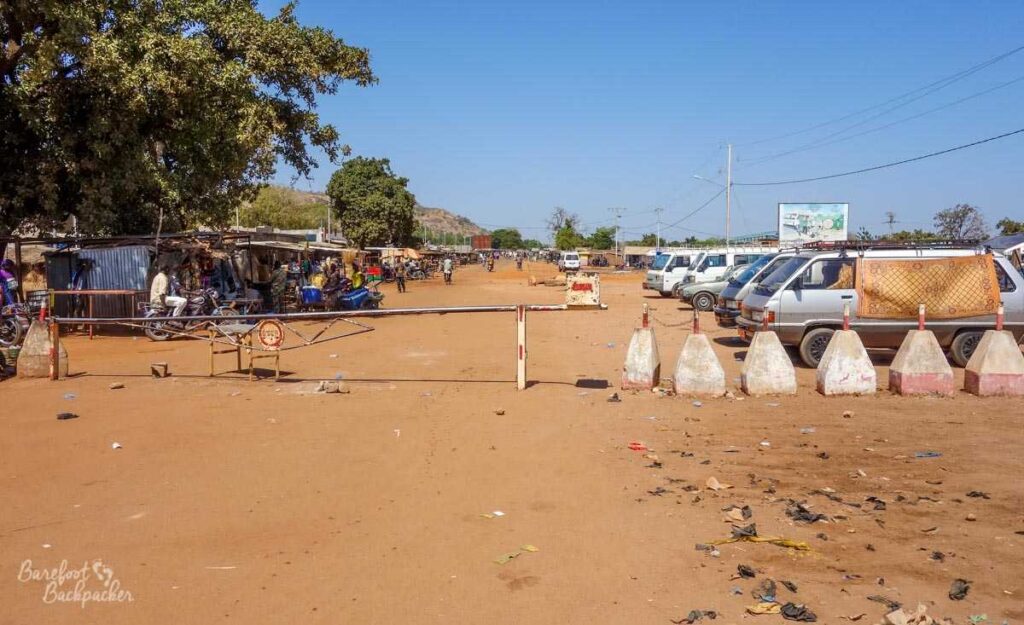
Let’s address the big one.
“Will my phone work on safari?”
Short answer: Yes.
Long answer: Yes — if you have the right SIM.
📡 Safari lodges use mobile towers
📱 Guides and rangers use WhatsApp & calls
📍 Coverage is strongest near camps and routes
🧭 Data works for maps, messages, and uploads
What doesn’t work?
❌ International roaming
❌ Cheap touriast SIMs
❌ Hotel Wi-Fi expectations
With a proper Africa SIM card, you can:
- Coordinate pickups
- Message your lodge
- Share photos (yes, lions 🦁)
- Use maps safely
- Stay reachable
👑 King Tip:
Your safari guide WILL call you. Make sure your SIM can answer.
Meet the Royal Africa SIM Solution 👑🌍
Here’s why King Sims dominates Africa connectivity:
✔ Africa SIM Cards + Africa eSIMs
👉 https://kingsims.com/product-category/africa/
Built for real African travel, not single-city vacations.
✔ Instant Activation via the King Sims App ⚡📲
No stores.
No waiting.
No paperclip surgery.
Download the King Sims App (iOS & Android) → activate → done.
✔ Real Phone Numbers + Calls 📞🔥
This is huge in Africa.
Drivers call you.
Hotels call you.
Safari lodges call you.
Tour operators call you.
Most travel SIMs = data only.
King Sims = real numbers + real calls on many plans.
Game-changer.
✔ Top-Tier Networks Only 📡💎
We partner with trusted African networks like:
- Orange
- MTN
- Vodacom
- Airtel
- Safaricom
- Telkom
No mystery carriers.
No “why is this so slow?” moments.
✔ Money-Back Guarantee 💰🛡️
If your Africa SIM doesn’t perform like royalty — the King fixes it.
No stress.
No risk.
No excuses.
Who an Africa Travel SIM Is Perfect For 🌍

This SIM shines if you’re:
- Traveling across multiple African countries
- Going on safari 🦁
- Doing business across regions
- Volunteering or working remotely
- Traveling with tour groups
- Exploring Africa beyond one city
From North Africa to Southern Africa, one SIM keeps up.
Local SIM vs. King Sims Africa SIM ⚔️
❌ Local SIMs
- One per country
- Border problems
- Airport chaos
- Data-only
- No refunds
- Constant swapping
👑 King Sims Africa SIM
- One SIM, many countries
- Instant activation
- Real calls
- Strong coverage
- Money-Back Guarantee
- No roaming fees
- Zero airport stress
Winner?
Obvious. 🏆
The King Sims App = Your Africa Command Center 📱
Inside the app, you can:
- Activate instantly
- Track data usage
- Manage trips
- Store QR codes
- Access royal support
Africa travel is unpredictable.
Your connection shouldn’t be.
Your New Africa Arrival Experience 🛬✨
❌ Old Way:
No signal
Hunting Wi-Fi
Airport SIM chaos
Roaming charges stacking
Driver can’t reach you
Stress from minute one
👑 Royal Way:
Plane lands → signal ON
Driver calls you
Maps load
Safari lodge messages arrive
WhatsApp works
Trip starts smooth
This is how Africa travel should feel.
Africa is modern.
Africa is connected.
Africa deserves better than roaming myths and bad SIMs.
Choose a reliable Africa SIM card.
Buy before you fly.
Activate instantly.
Travel confidently — from Cairo to Cape Town.
And when you join the Kingdom?
🎉 Get 15% off your first order when you sign up.
Your Africa adventure awaits — and this time, your signal comes with you. 📶👑✨