








Traveling soon? Staying connected abroad is easier than ever with an eSIM on Android.
No plastic card, no store visit, just tap, scan, and go! 🌍📱This simple, step-by-step guide will walk you through the entire process in minutes.l, and more. 🧭✨
What is an eSIM and why travelers love it? 🌐💳
An eSIM is a digital SIM embedded in your phone, letting you activate mobile service without a physical SIM card.
Perfect for buying a local or regional travel eSIM before you fly, avoiding pricey roaming. 🧳💼
Check if your Android phone supports eSIM ✅📲
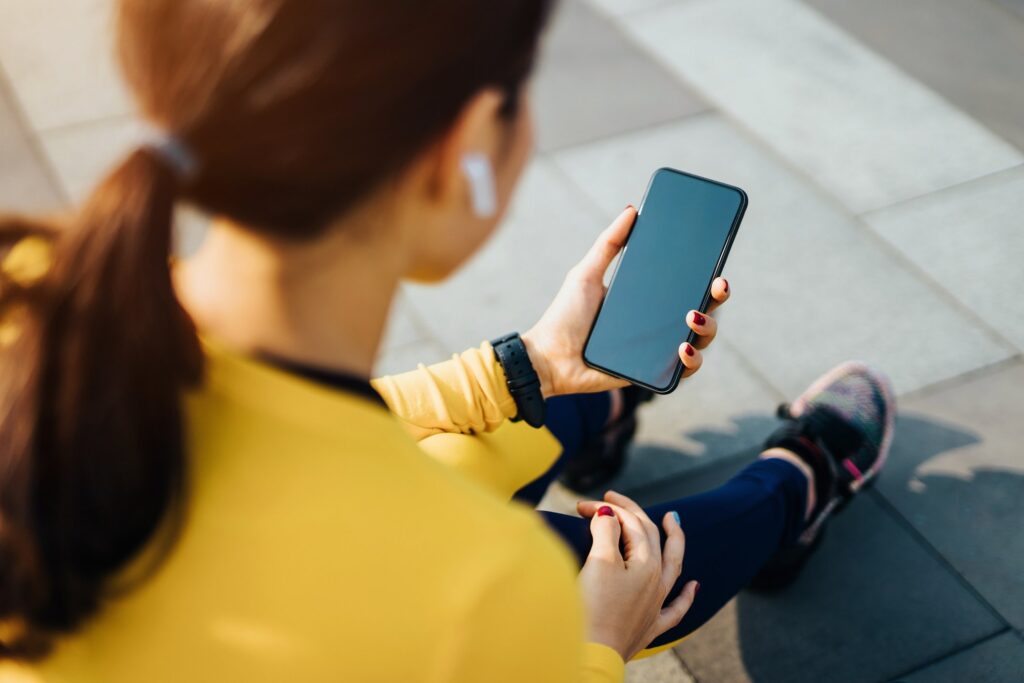
Most recent Pixels and many Samsung Galaxy models support eSIM, but confirm on your device: Settings → Connections/Network → SIM Manager/SIMs → “Add eSIM.” 🔎⚙️
If you don’t see it, look up your exact model + “eSIM support.” 📝🔍
Step-by-Step: Add & Activate an eSIM on Android 🤖

Menu names can vary slightly by brand (Samsung Galaxy vs. Google Pixel), but the flow is similar. 🧭📱
- Open Settings → Network & Internet (or Connections) → SIMs/SIM Manager → Add eSIM / Add mobile plan. ⚙️➕
- Choose “Scan QR code” and point your camera at the eSIM QR from your provider (or use “Enter activation code” if given). 🧾📷
- Confirm the download and wait while your phone activates the eSIM profile. ⏳📶
- Set Preferred SIM for Mobile data / Calls / SMS (use physical SIM for calls and travel eSIM for data to save money). 🔁📞💬
- Toggle Data Roaming ON if the plan requires it (common for international eSIMs). 🌍🔁
- Test it: open a webpage or messaging app to confirm your connection. ✅🌐
Samsung Galaxy vs. Google Pixel quick notes
- Samsung Galaxy: Look for Settings → Connections → SIM Manager → Add eSIM; wording may vary by Android version (e.g., Android 13). 🛠️📲
- Google Pixel: Settings → Network & Internet → SIMs → + to Set up a new eSIM; Pixels often streamline the flow. 🧰📱
How to use Dual SIM (physical + eSIM) on Android 🎛️🔀
Keep your home number active on the physical SIM for calls/SMS and set the eSIM for mobile data while traveling—then switch back after your trip in a tap. 🔄🧳
Troubleshooting: eSIM not working on Android? 🧯🧩
- No signal after activation: Give it a few minutes; some carriers require up to 5–20 minutes. ⏱️📶
- QR won’t scan: Enter the activation code manually. 🧾⌨️
- Data doesn’t flow: Ensure Data Roaming is ON and the eSIM is set as Preferred for data. 🔁📡
- Moving to a new phone: Use the eSIM transfer flow or contact the provider to re-issue the profile. 🔁📲
- Still stuck? Follow your brand’s guide or your provider’s help center for model-specific steps. 🧭🆘
Ready to Travel with your eSIM? 🚀
Skip the SIM card hassle—get instant data in 100+ countries with our affordable eSIM plans!
Buy your eSIM now from King Sims!